

Blog
How to Choose the Right Server Network Card for Your Business

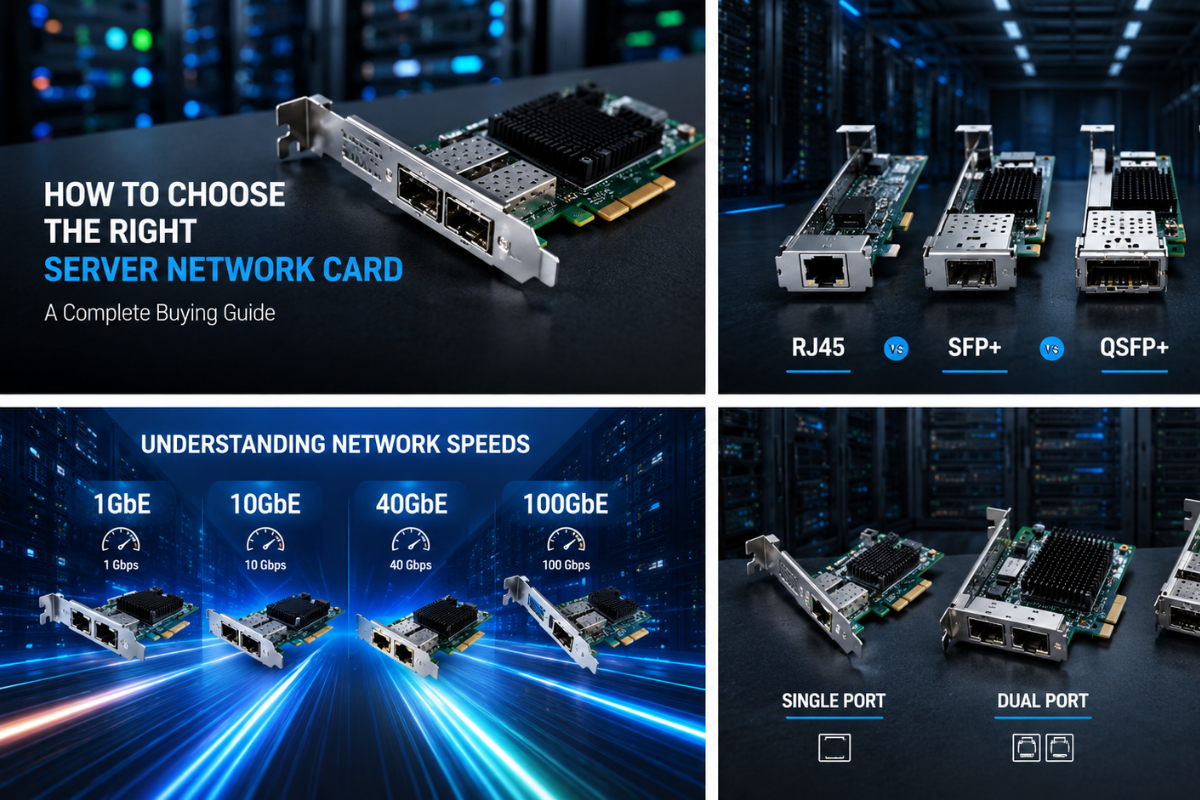
Learn how to choose the right server network card based on port type, speed, compatibility, and the number of ports. Complete buying guide by ServerCard.in.
Introduction
In today's fast-paced IT environment, choosing the right Server Network Interface Card (NIC) is essential for ensuring reliable, high-speed, and secure network connectivity. Whether you are building a new server, upgrading an existing infrastructure, or managing a data center, selecting the appropriate server network card can significantly impact overall system performance.
At ServerCard.in, we offer a wide range of enterprise-grade network cards designed to meet various business and networking requirements. This guide will help you understand the key factors to consider before purchasing a server network card.
What is a Server Network Card?
A Server Network Interface Card (NIC) is a hardware component that enables a server to communicate with other devices over a network. It acts as the bridge between your server and the network infrastructure, allowing data to be transmitted quickly and efficiently.
Modern server network cards support multiple connection types, speeds, and port configurations to meet the demands of today's enterprise environments.
1. Choose the Right Port Type
The first factor to consider is the port type.
Common options include:
RJ45
RJ45 is the most widely used Ethernet connection. It is suitable for standard office networks and is easy to install.
Best For:
- Small Businesses
- Office Networks
- Standard Ethernet Connections
SFP+
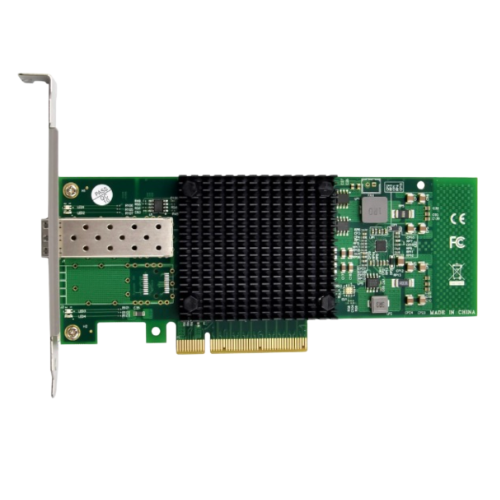
SFP+ ports are commonly used for 10 Gigabit fiber connectivity.
Best For:
- Enterprise Servers
- Data Centers
- High-Speed Networking
QSFP+
QSFP+ supports 40 Gigabit networking and is ideal for large-scale enterprise environments.
Best For:
- Cloud Infrastructure
- Virtualization
- High Bandwidth Applications
QSFP28
QSFP28 supports 100 Gigabit Ethernet and is designed for next-generation networking.
Best For:
- Large Data Centers
- AI Infrastructure
- High Performance Computing
2. Select the Right Speed
Network speed directly affects data transfer performance.
Common speeds include:
- 1 GbE
- 10 GbE
- 25 GbE
- 40 GbE
- 100 GbE
If your business handles large files, virtualization, backups, or cloud services, choosing a higher-speed network card is recommended.
3. Number of Ports
Another important consideration is the number of network ports.
Single Port
Suitable for basic server deployments.
Dual Port
Provides redundancy and improved bandwidth.
Quad Port
Ideal for virtualization, enterprise applications, and load balancing.
4. Compatibility
Before purchasing, ensure the server card is compatible with your server.
Popular brands include:
- Dell
- HP
- Lenovo
- Cisco
- Supermicro
Also verify:
- PCIe Slot
- Operating System
- Driver Support
5. Consider Future Expansion
Choose a network card that supports future upgrades.
Investing in a higher-speed card today can reduce future upgrade costs.
6. Reliability Matters
Enterprise servers require reliable networking.
Look for:
- High-quality chipsets
- Stable drivers
- Long product lifespan
- Trusted manufacturers
Why Buy from ServerCard.in?
At ServerCard.in, we provide:
- Premium Quality Products
- Genuine Server Network Cards
- Expert Technical Support
- Competitive Pricing
- Fast Shipping Across India
- Enterprise Networking Solutions
Final Thoughts
Choosing the right server network card is an important investment for your IT infrastructure. By considering port type, speed, compatibility, and the number of ports, you can build a reliable and high-performance network that supports your business today and in the future.
Whether you need RJ45, SFP+, QSFP+, or QSFP28 solutions, ServerCard.in offers enterprise-grade products backed by expert support and dependable service.
Frequently Asked Questions
Which server network card is best for business?
The best choice depends on your workload, required network speed, and server compatibility.
Is 10GbE worth upgrading?
Yes. For virtualization, backups, cloud computing, and high-performance applications, 10GbE offers significant performance improvements over 1GbE.
What is the difference between RJ45 and SFP+?
RJ45 uses traditional Ethernet cables, while SFP+ supports fiber or direct-attach cables for faster and longer-distance networking.
How many ports do I need?
Single-port cards are suitable for basic setups, while dual and quad-port cards provide additional bandwidth, redundancy, and flexibility for enterprise environments.